

Connect SX Bet
Connect SX Bet by signing in through SX Bet's own flow: there are no API keys to generate or paste. Less than a minute end-to-end.
OpenMarkets 2 steps
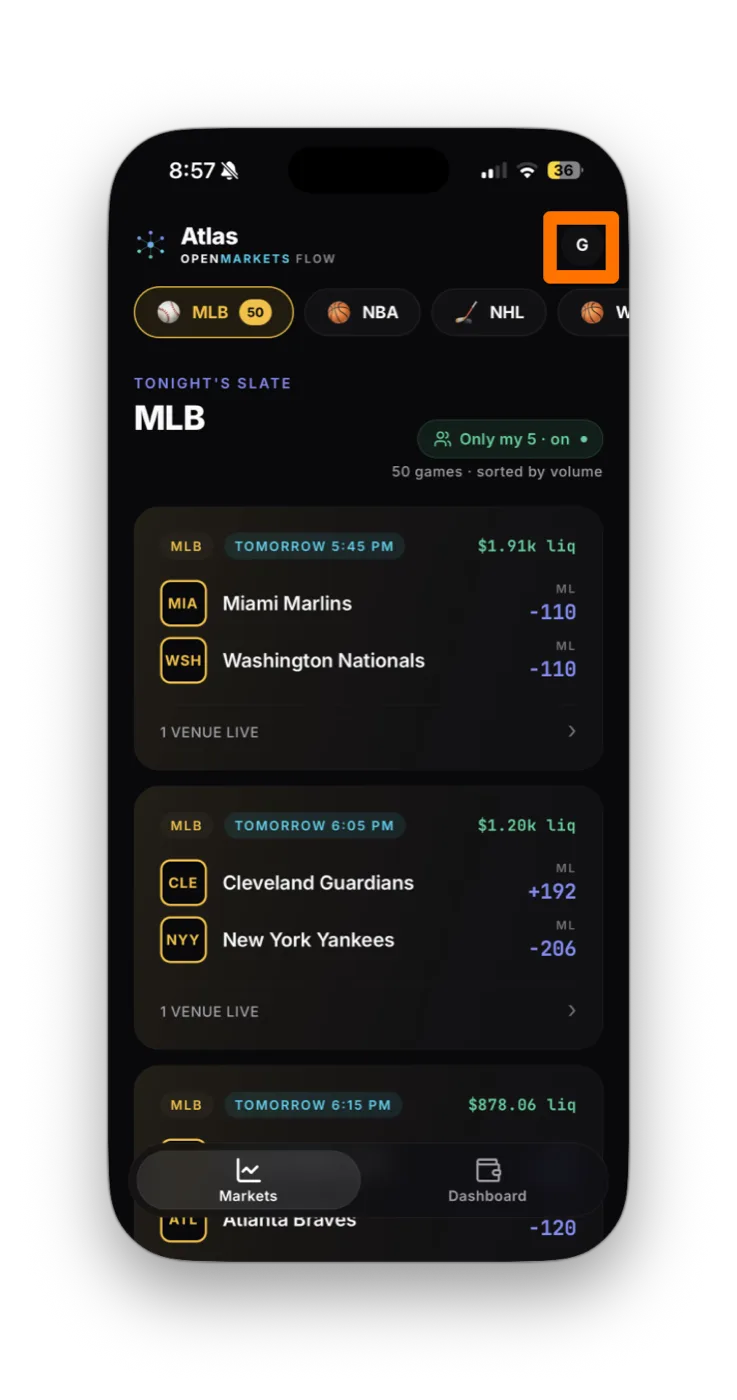
- In OpenMarkets, tap the partner icon (top right of the Markets screen) to open the partners list.
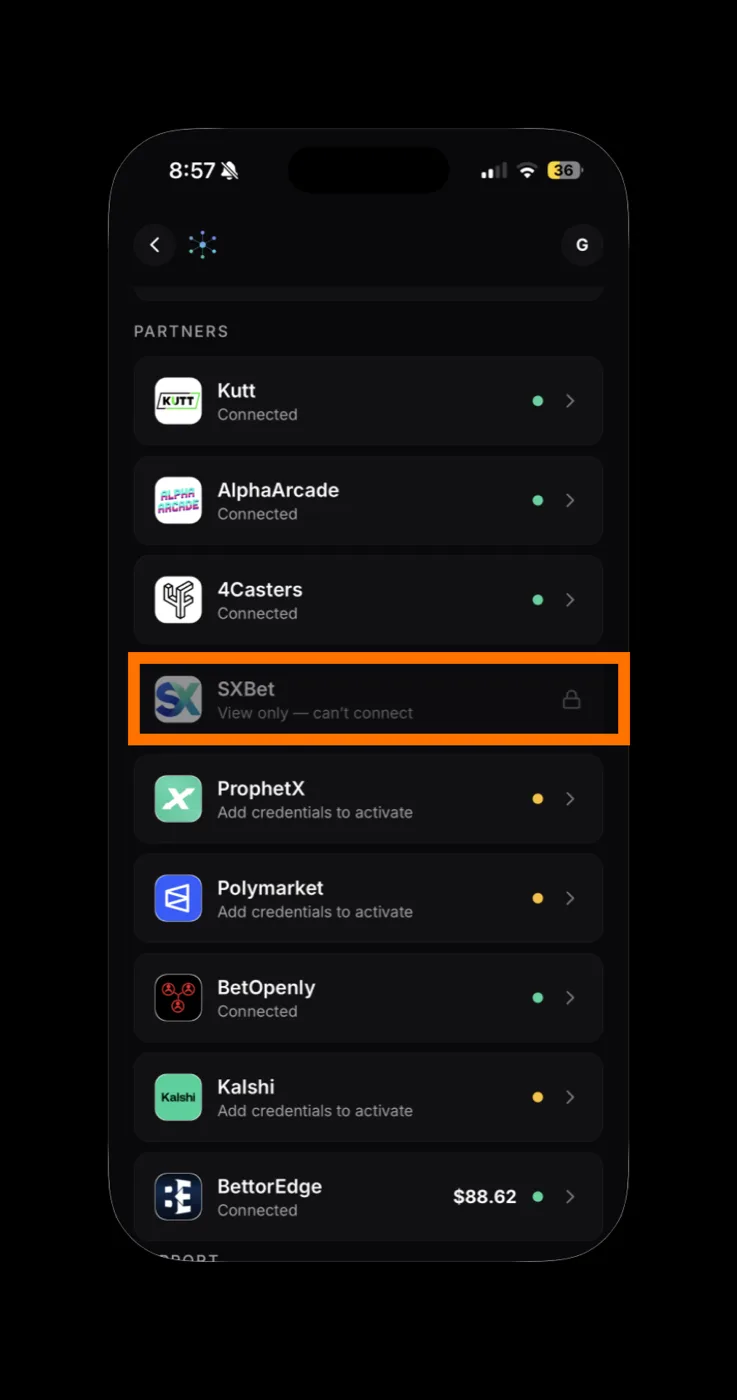
- Find SX Bet in the partners list and tap it. OpenMarkets opens SX Bet's hosted sign-in.
SX Bet 2 steps
- Complete sign-in in the SX Bet window (wallet connect, email, or whatever method you normally use on sx.bet).
- When SX Bet returns you to OpenMarkets, the partner card flips to Connected automatically. There's nothing to paste.
How to know it worked
The SX Bet card shows Connected with a green dot, your balance appears, and SX Bet markets start showing in your slate. No credentials are stored on the OpenMarkets side because there are none, only the session SX Bet handed back.
If something goes wrong
I didn't get sent back to OpenMarkets
SX Bet sign-in failed
Balance shows $0 but I have funds
Disconnecting SX Bet
In OpenMarkets, open the SX Bet partner card and tap Disconnect partner. That clears the session OpenMarkets is using. Since no credentials are stored on the OM side, there's nothing to revoke in SX Bet, but you can sign out of SX Bet in your browser for full belt-and-suspenders.
OpenMarkets never sees or stores your SX Bet password, wallet seed, or private key, only a session token returned by SX Bet's sign-in. Revoke at any time by disconnecting in OpenMarkets.
Connect your other accounts








If a screen doesn't match these steps, SX Bet may have updated its flow. Email support@openmarkets.ai.
← All venues