
Connect Kutt
Link your Kutt account so it shows up next to every other venue in OpenMarkets. Under 2 minutes: you sign in with the same email and password you use on kutt.com.
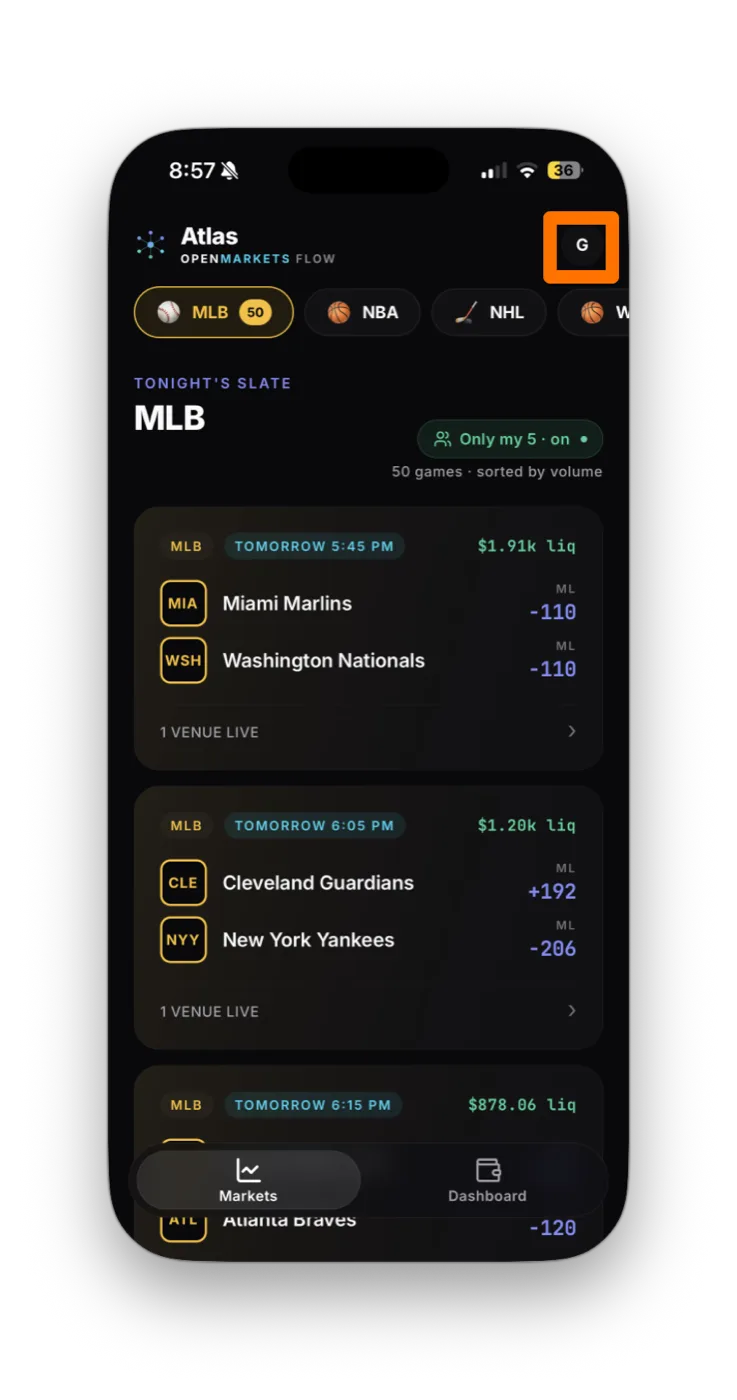
- In OpenMarkets, tap the partner icon (top right of the Markets screen) to open the partners list.
- Find Kutt in the partners list and tap it.
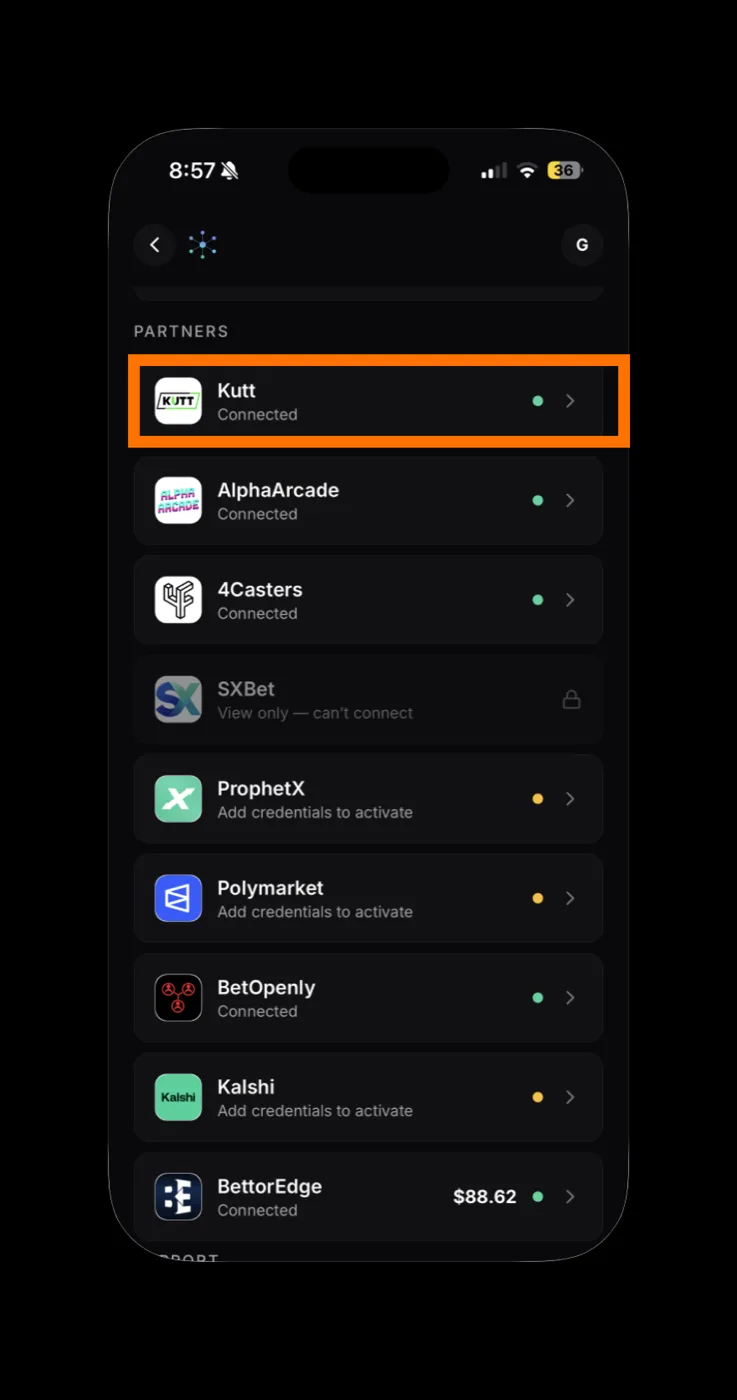
Kutt reads "Add credentials to activate" until it's connected. - Kutt's connect form opens with two fields: Email and Password. Leave it on this screen.
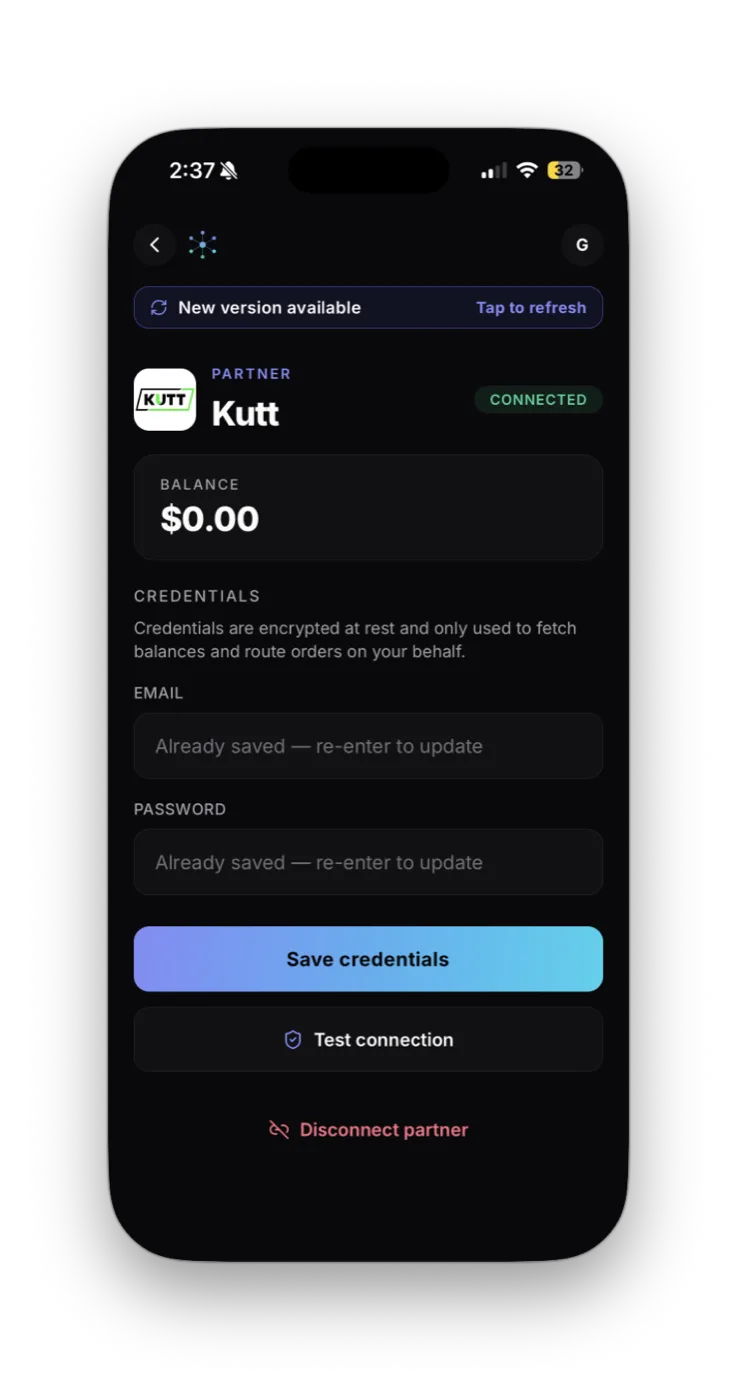
- Sign in with the email and password for Kutt.
- Back in OpenMarkets: paste your Email and Password, then tap Save credentials and Test connection.
How to know it worked
The Kutt card flips from "Add credentials to activate" to Connected with a green dot. Your balance appears next to the name and Kutt markets start showing up in your slate.
If something goes wrong
Test connection failed
Balance shows $0 but I have funds
No Kutt markets appear
Disconnecting Kutt
In OpenMarkets, open the Kutt partner card and tap Disconnect partner. That removes your encrypted credentials from OpenMarkets. To fully revoke OM's access, also change your Kutt password.
Your credentials are encrypted at rest in OpenMarkets and used only to sign in to Kutt to fetch balances and route the orders you tap. You can revoke OM's access at any time by disconnecting and changing your Kutt password.
Connect your other accounts






If a screen doesn't match these steps, Kutt may have updated its flow. Email support@openmarkets.ai.
← All venues