









BetOpenly Review: True Peer-to-Peer Betting
Peer-to-peer sportsbook review: 1% juice, sharp-friendly, the math, and where it fits.
Read article →
Link your BetOpenly account so its markets line up next to every other venue in OpenMarkets. Under 2 minutes: sign in with the same username and password you use on betopenly.com.
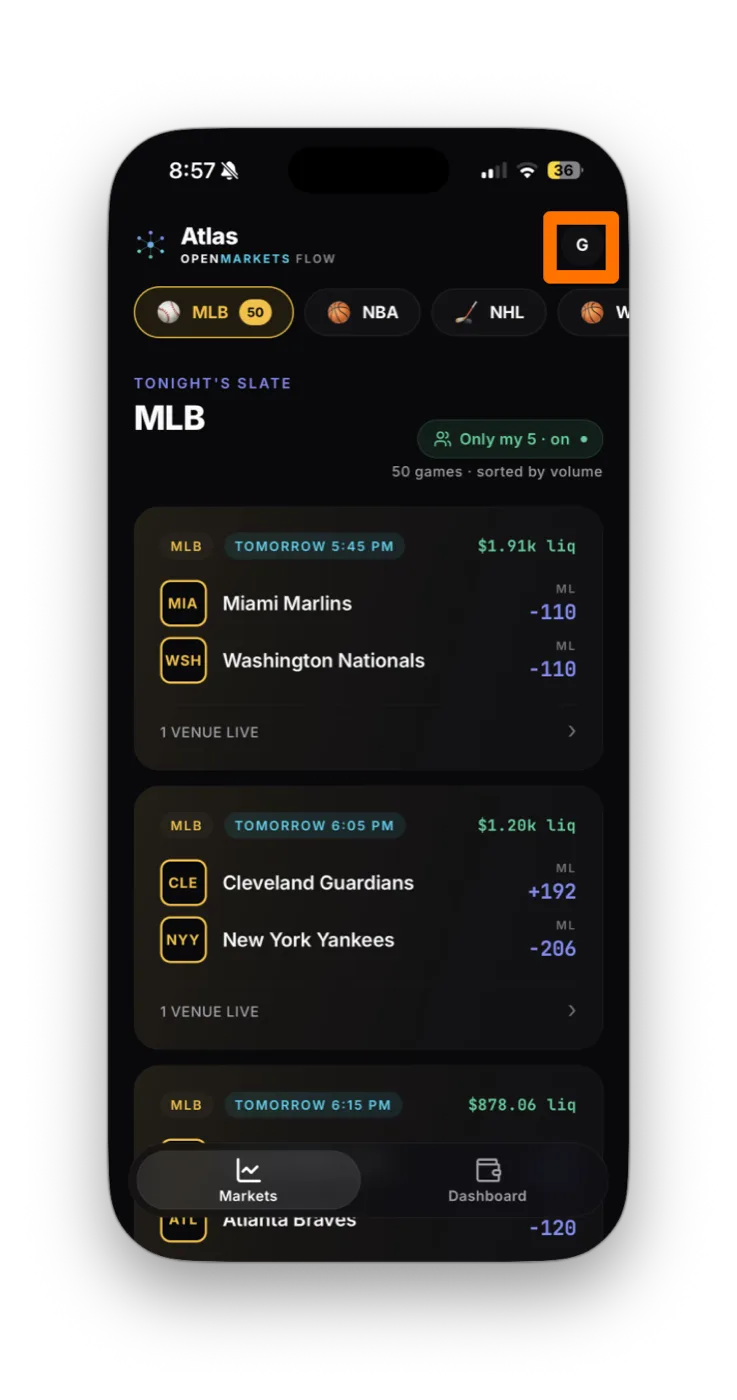
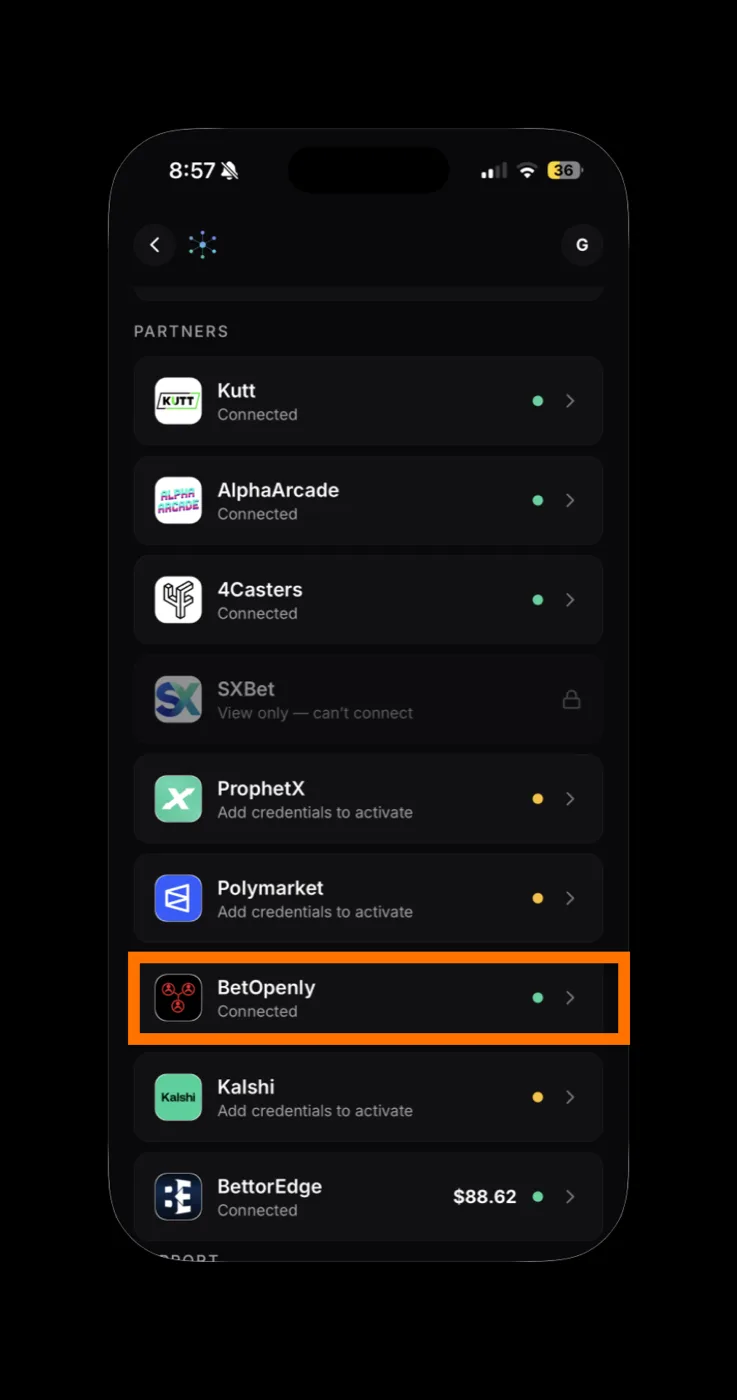
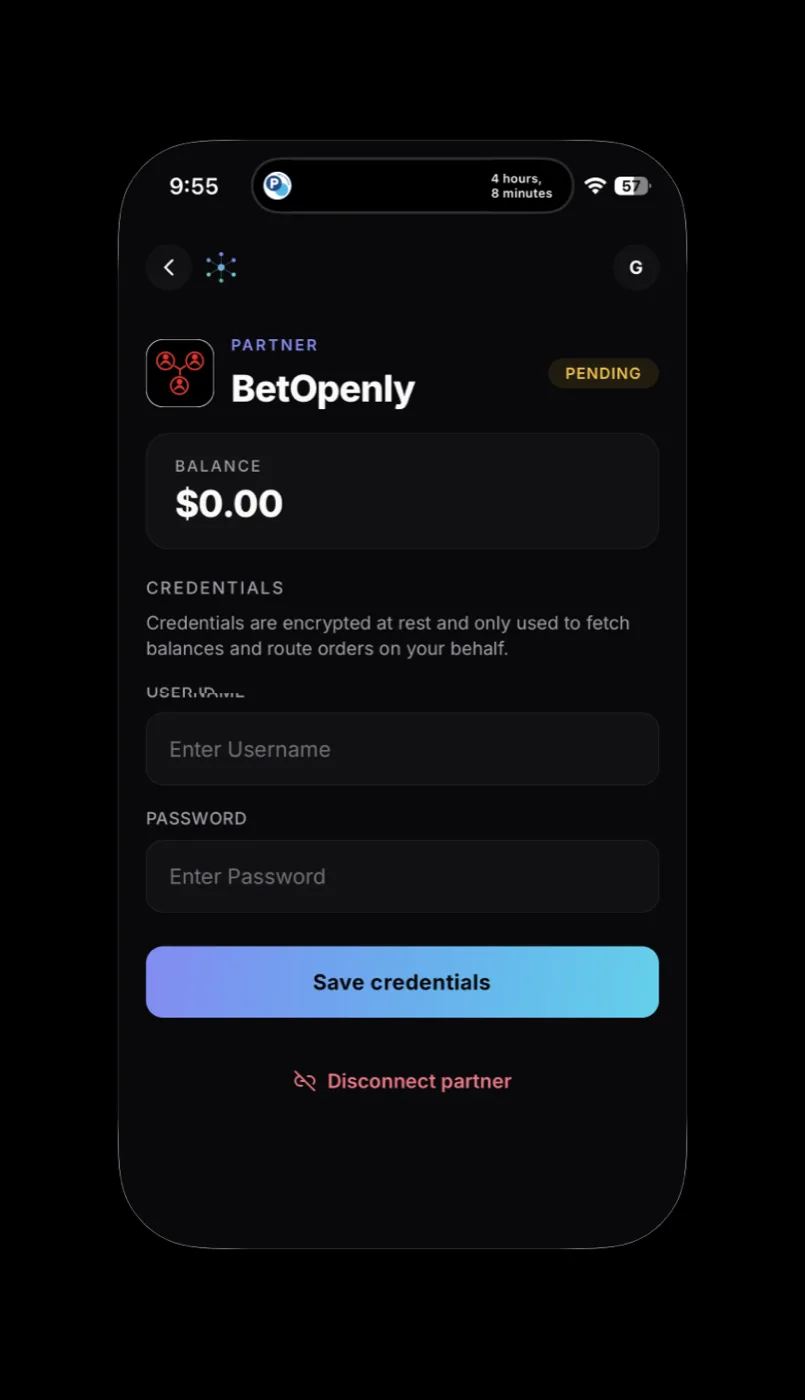
The BetOpenly card flips from "Add credentials to activate" to Connected with a green dot. Your balance appears next to the name and BetOpenly markets start showing up in your slate.
In OpenMarkets, open the BetOpenly partner card and tap Disconnect partner. That removes your encrypted credentials from OpenMarkets. To fully revoke OM's access, also change your BetOpenly password.
Your credentials are encrypted at rest in OpenMarkets and used only to sign in to BetOpenly to fetch balances and route the orders you tap. Revoke any time by disconnecting and changing your BetOpenly password.
If a screen doesn't match these steps, BetOpenly may have updated its flow. Email support@openmarkets.ai.
← All venues